In order to obtain an eCheck Processing API key to create a connector in OpenPath, follow these steps:
- Open a web browser and navigate to:
https://echeck.echeckprocessing.com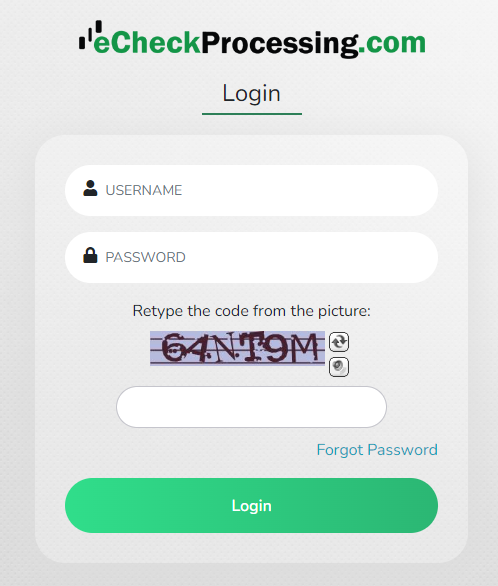
- Once logged in, navigate to User Management | Merchant Detail
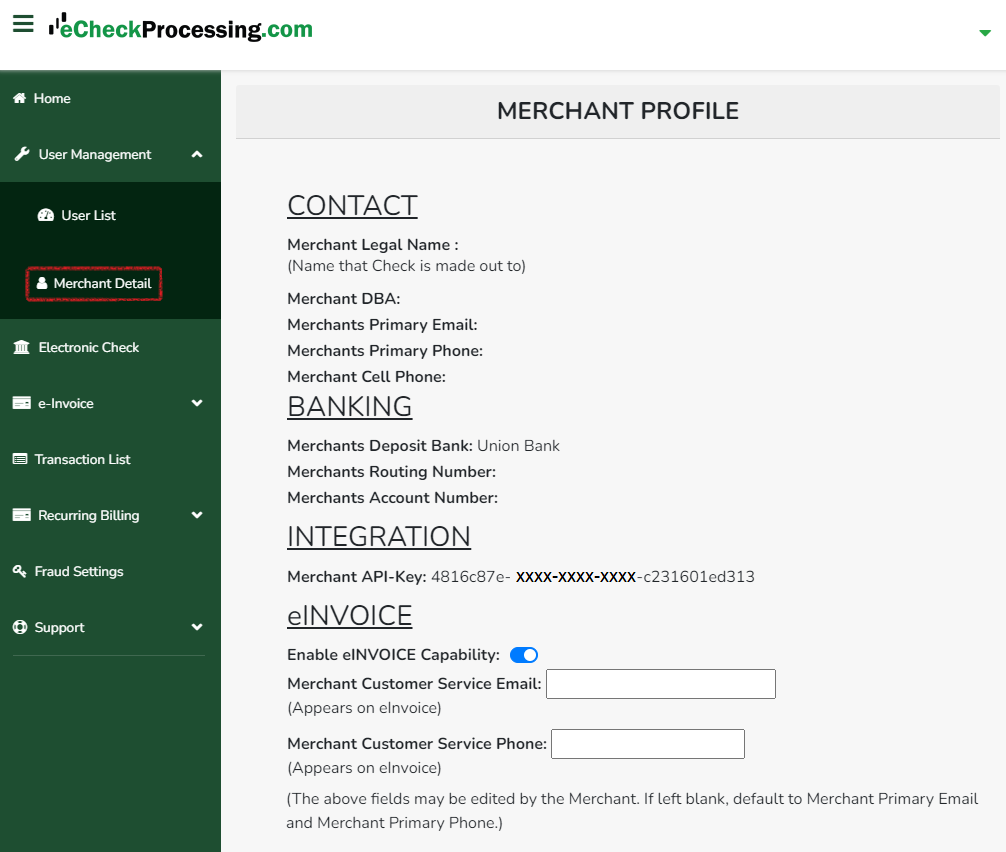
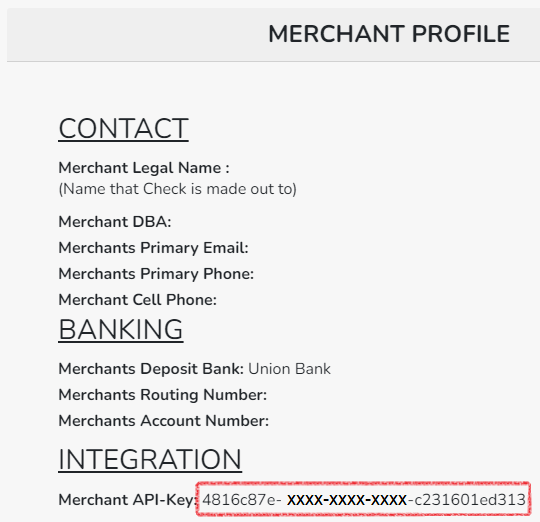
- Once viewing the Merchant Profile, location the Integration heading and underneath the Merchant API-Key, copy this value to use in the OpenPath Enterprise Back Office.
To setup eCheck Processing in OpenPath, checkout this article: Setting Up eCheck Processing
Was this article helpful?
That’s Great!
Thank you for your feedback
Sorry! We couldn't be helpful
Thank you for your feedback
Feedback sent
We appreciate your effort and will try to fix the article