If you already have a FlexPay account and need to get your FlexPay API Key for OpenPath you can follow the steps outlined below:
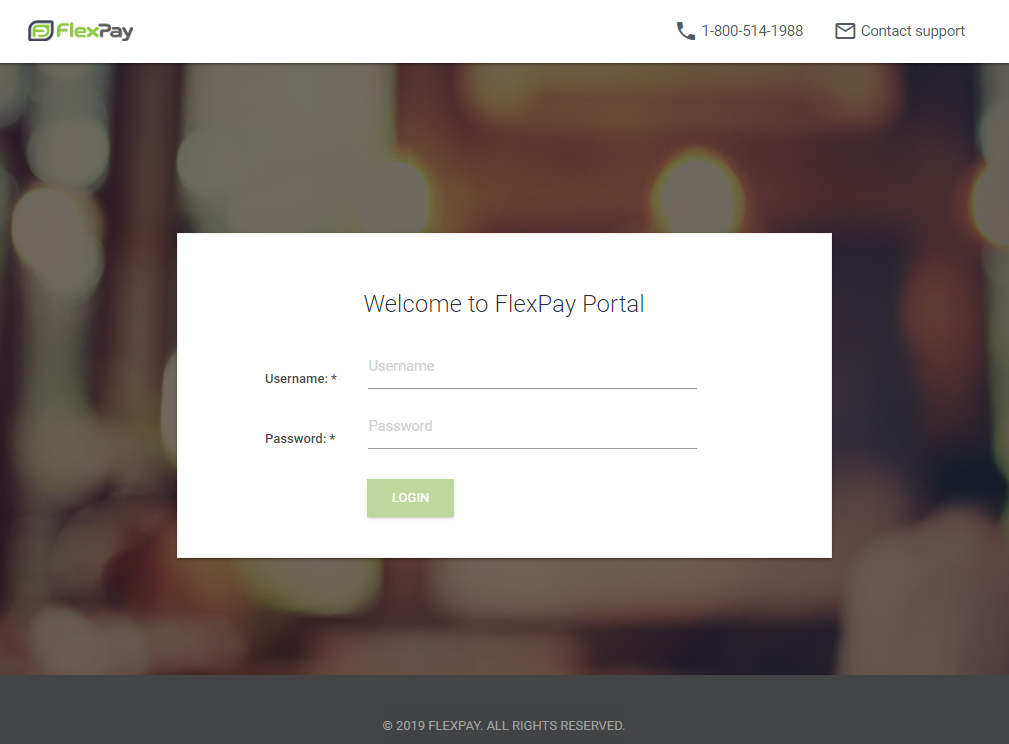
- Login to your FlexPay account at:
https://client.flexpay.io/Account/Login - Enter your Username and Password and click on Login
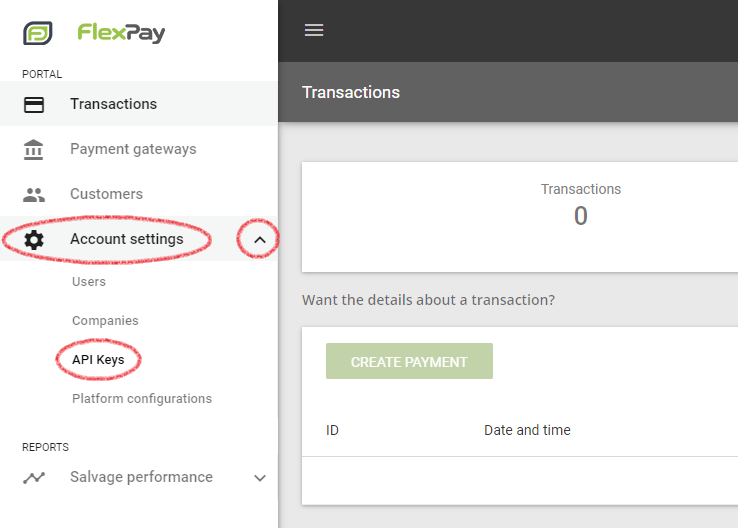
- In the left hand menu expand Account settings and click on API Keys
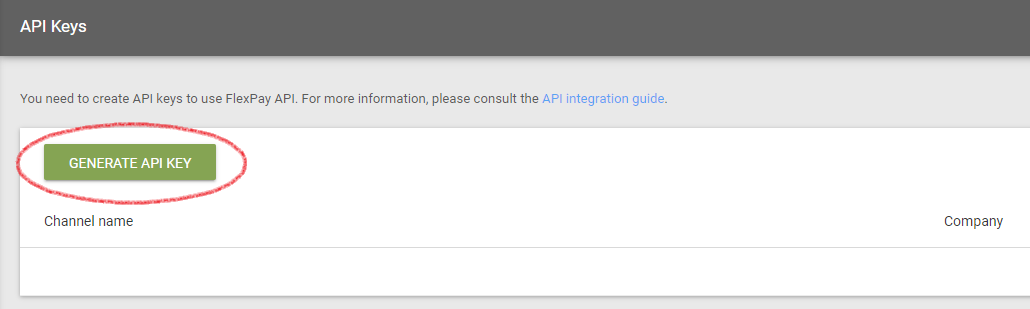
- At the API Keys screen click on the Generate API Key button
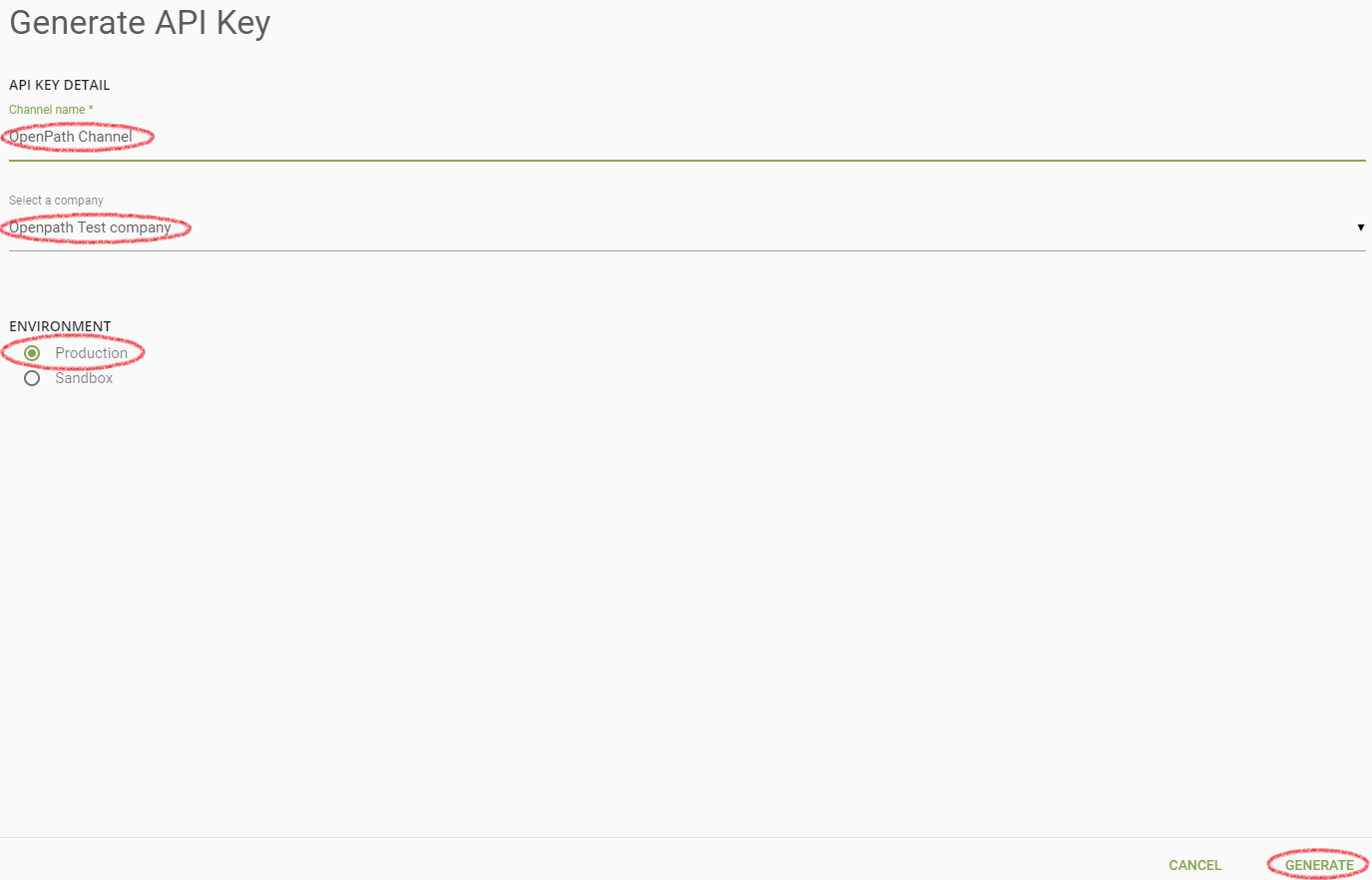
- In the Pop-Up window Generate API Key create a channel name meaningful to you and select the company from the drop down this account will be tracking for. Then select if you are going to use this as a TEST API by selecting the Sandbox Environment or select the Production Environment, if you are creating this for LIVE transactions. When complete, click on the Generate button.
- IMPORTANT: You will not be able to get the API Key you generated after the following screen, so make sure to store this API Key in a secured and safe spot until you enter it in to OpenPath.
Copy the API Key and click Close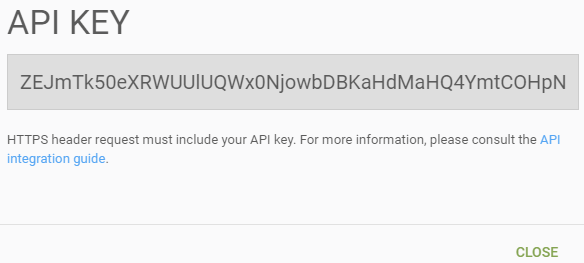
- That's it, you can now use this API Key in OpenPath, for information on how to configure this API Key in OpenPath, please refer to the following document:
FlexPay Configuration