What is a Site?
In OpenPath, The Site is the beginning of the Transaction Logic. It gives you the flexibility to point your Transactions to different Paths according to your business needs. The most basic setup is to point your Site to a Connector.
Get your API Keys
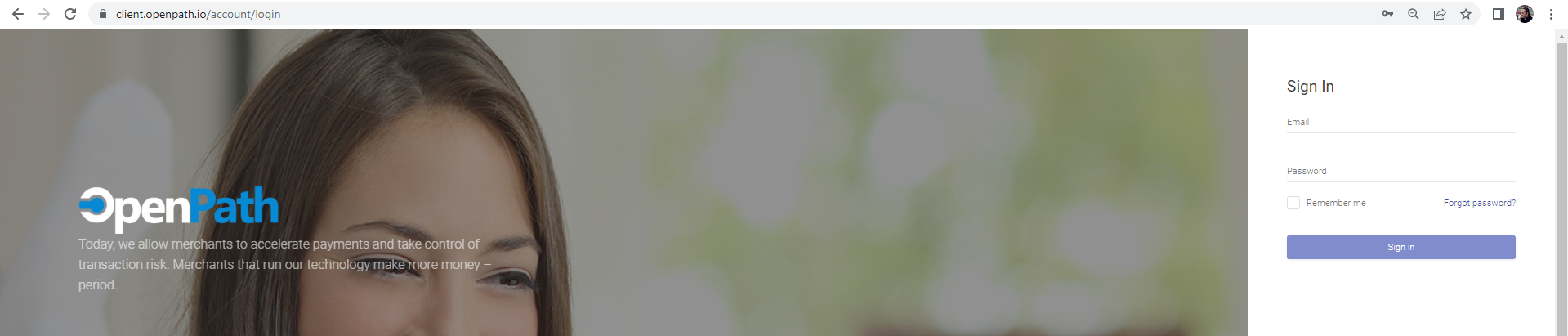
- Login to the OpenPath Admin Portal at https://client.openpath.io/ and input your username and password and click Sign In.
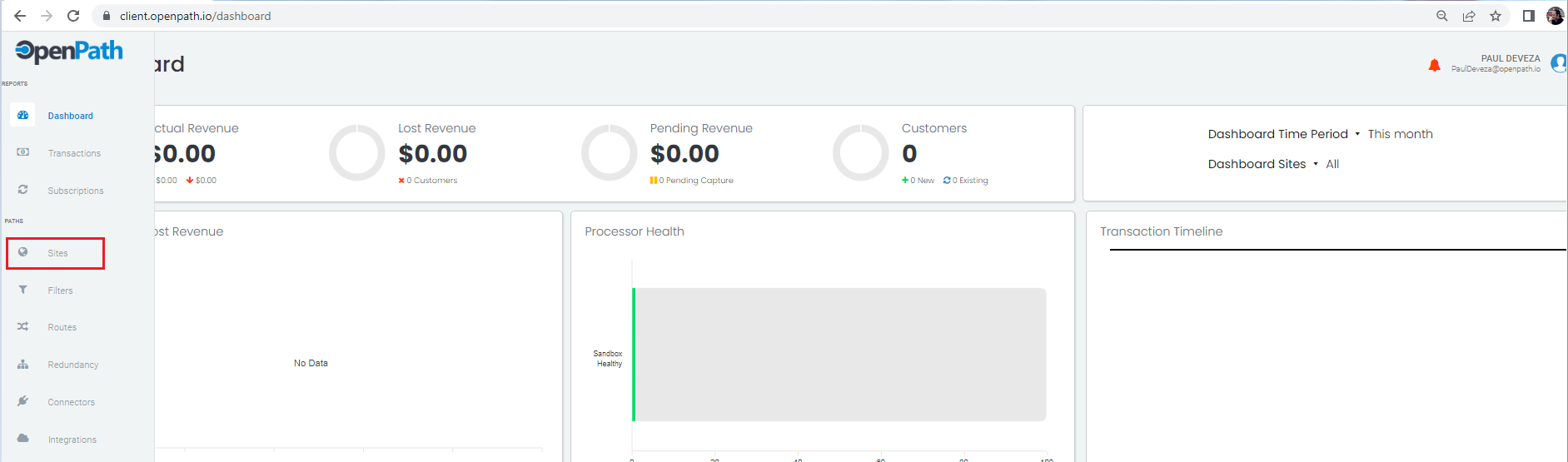
- Navigate to the Left Menu and choose Sites.
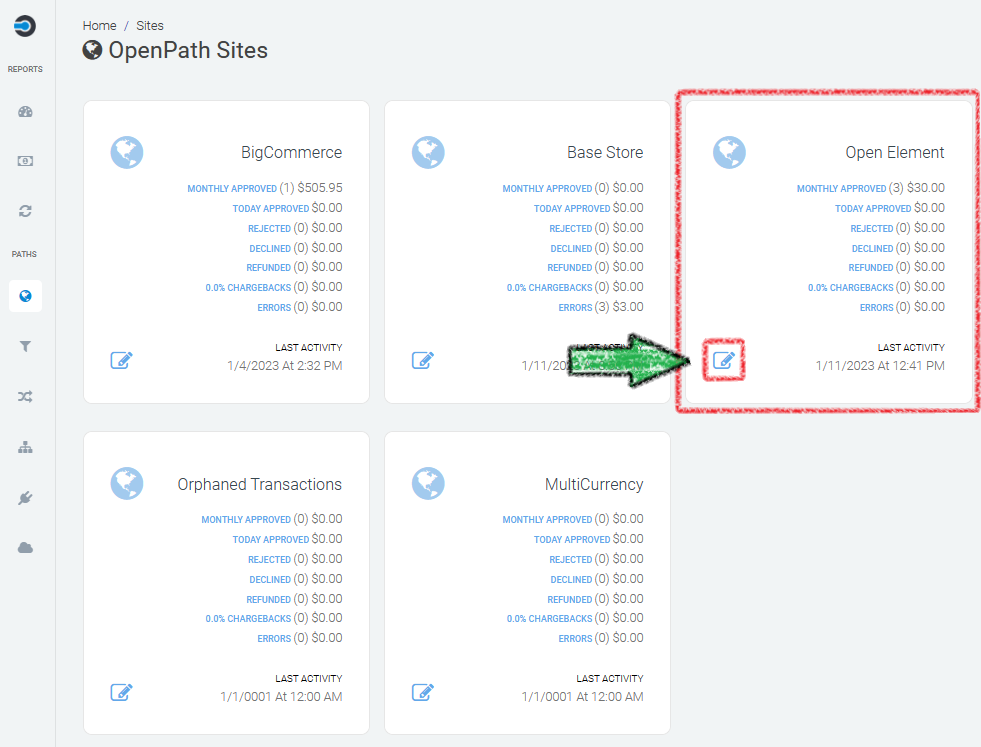
- Find the Site Path you want to get the API Keys for and click on the Edit icon.
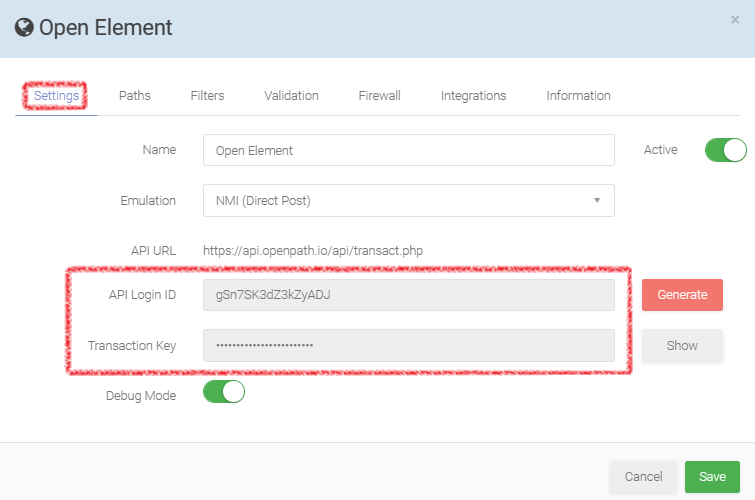
- Once in the Site Path configuration on the first tab, Settings, you will find both the API Login ID and Transaction Key. !!PRO-TIP!! If you click on either textbox, the value will auto copy to your clipboard.
Was this article helpful?
That’s Great!
Thank you for your feedback
Sorry! We couldn't be helpful
Thank you for your feedback
Feedback sent
We appreciate your effort and will try to fix the article