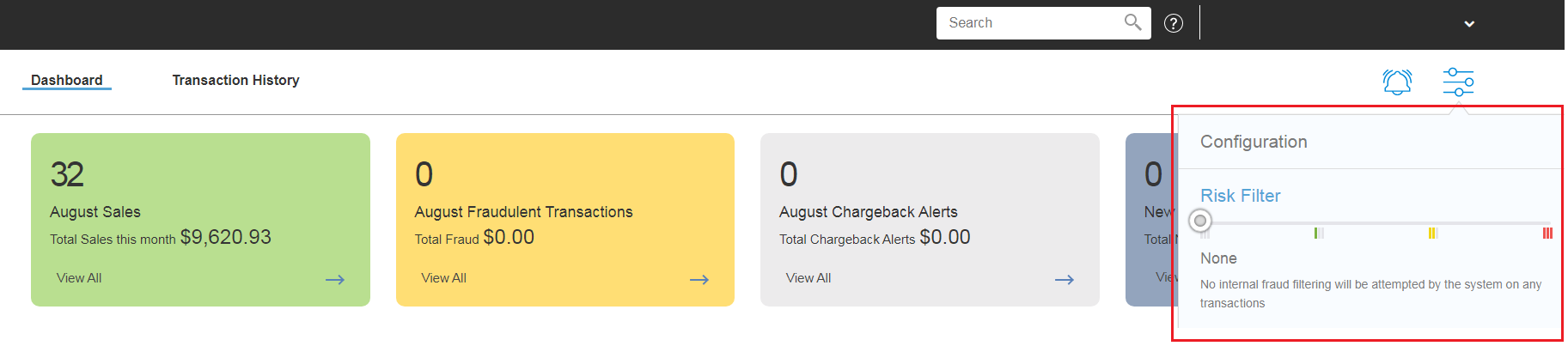
You can filter out unwanted or higher risk transactions by using the Risk Filter.
In the Configuration menu, you will see the Risk Filter slider. You can manually adjust the risk level you wish to apply on your Site by moving the slider left and right.
There are four different Risk Filtering levels:
- None - No internal fraud filtering will be attempted by the system on any transactions
- Low - The system will filter transactions on invalid payment accounts, expired cards and cards that have been hard declined in the past
- Medium - All the low settings plus, multiple Velocity rules for transaction speeds and rates (associated with fraudulent "card testing"), plus blocking of IP addresses with associated fraud and a block on all currently known blacklisted IP addresses
- High - All the low and medium filters, plus fraud detection based on banking, IP address, shipping and billing addresses and additional blacklist filters for known fraudulent Email Addresses, Email Domains and Phone Numbers
Knowledgebase
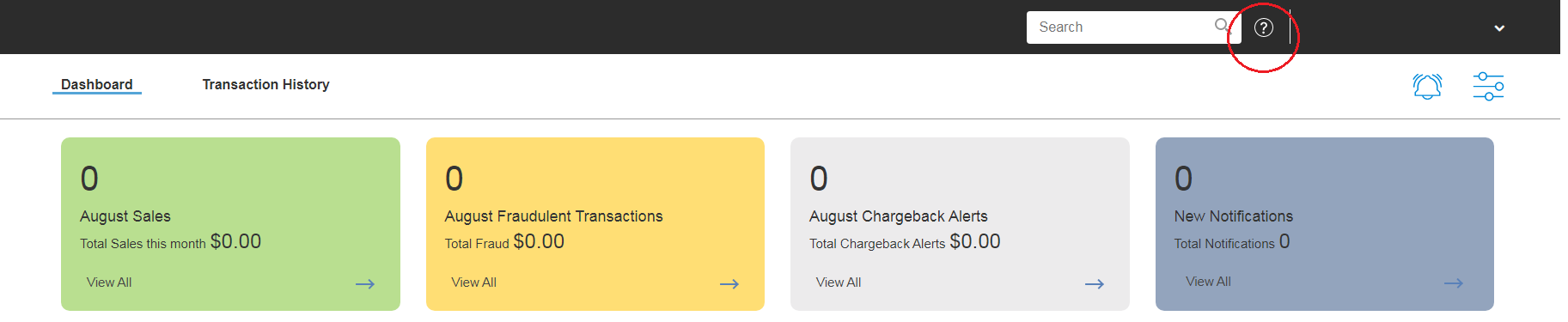
There a several articles to assist with the use of the system. The Knowledgebase articles can be accessed by clicking the Help (?) icon.
Was this article helpful?
That’s Great!
Thank you for your feedback
Sorry! We couldn't be helpful
Thank you for your feedback
Feedback sent
We appreciate your effort and will try to fix the article