You can use the Search bar at the top right of the screen. Just type in the Transaction detail and and all Transactions that match will be listed.
The search entries can be any of the following:
- First Name
- Last Name
- Email Address
- Order Number
- Transaction ID
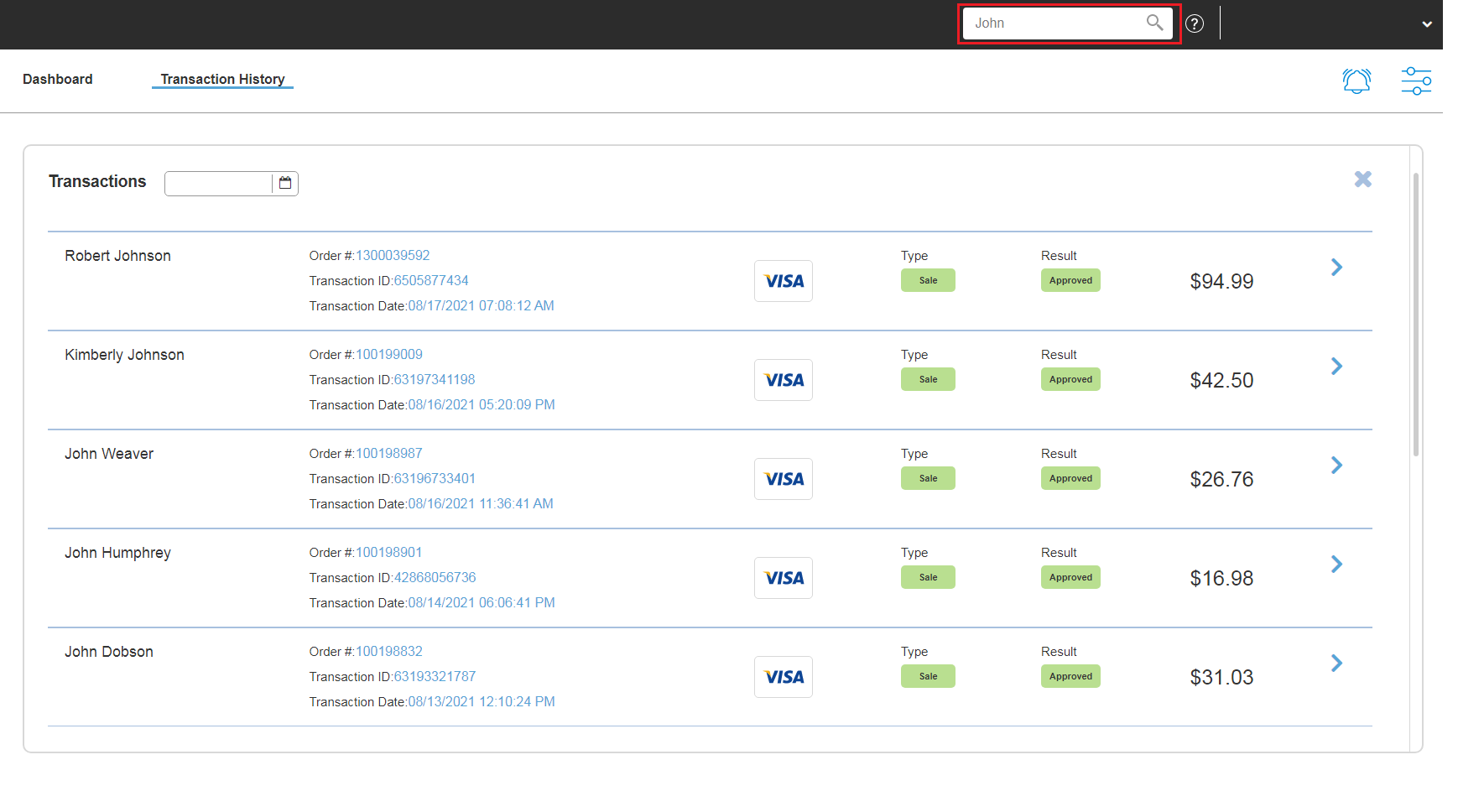
This search option also displays the entries containing the letters of the searched query, and not just exact results. In the example below, it displays the Transaction that has JOHN whether it's in the first name or last name including a portion of the actual entry.
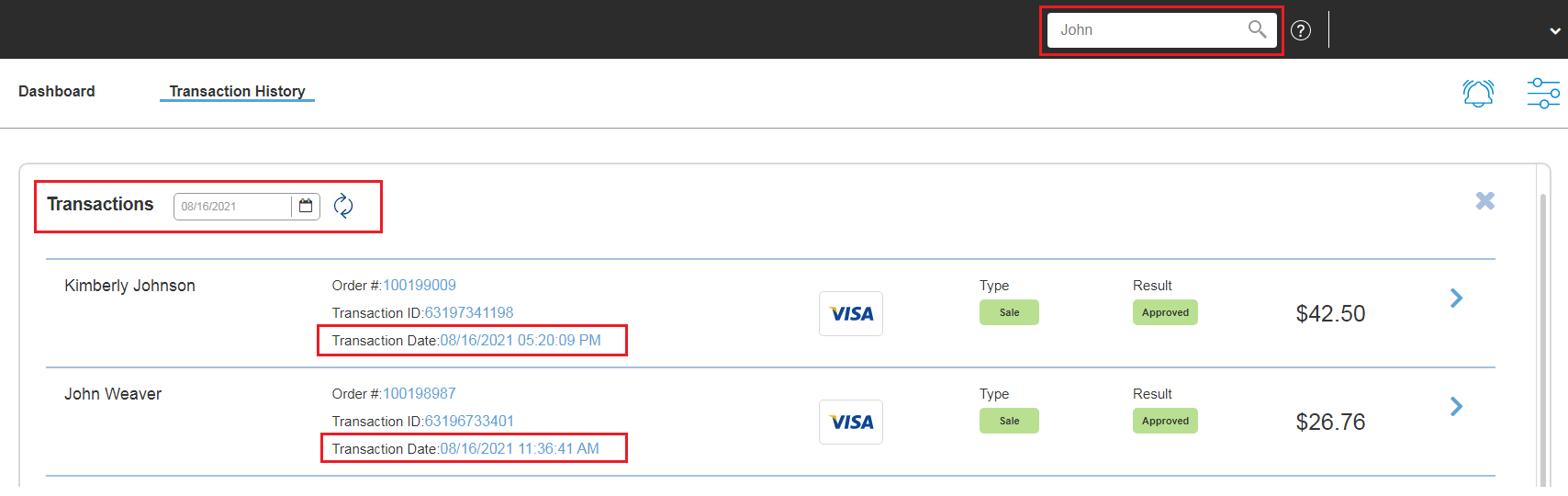
You can also apply a combination of the two search options to narrow down your results. Using the search entry from the above screenshot, we can filter the date and show only the JOHNs on a specific date.
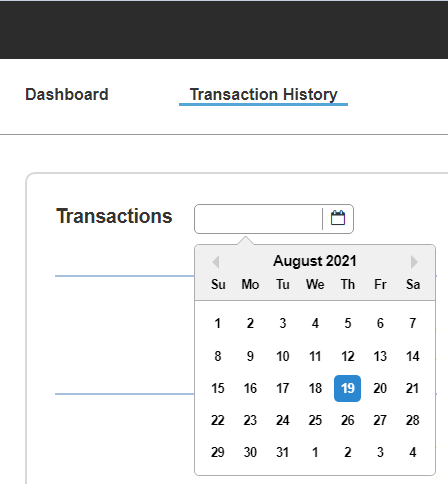
You can also filter for Transactions by date. Just click on the Calendar icon and choose the date you wish to search. It will continue to load the Transactions when you scroll down until you reach the end of the list.
Knowledgebase
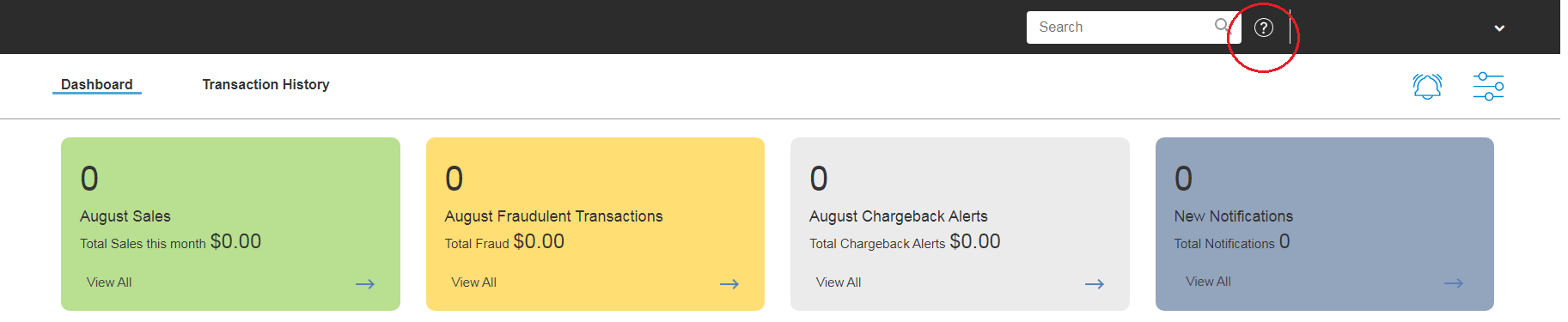
There a several articles to assist with the use of the system. The Knowledgebase articles can be accessed by clicking the Help (?) icon.
Was this article helpful?
That’s Great!
Thank you for your feedback
Sorry! We couldn't be helpful
Thank you for your feedback
Feedback sent
We appreciate your effort and will try to fix the article