Description
In this article we will walk you through Authorizing OpenPath to connect to you InfusionSoft CRM.
Instructions - Authorizing OpenPath with InfusionSoft
Requesting your InfusionSoft gateway credentials:
Login in to your OpenPath account at https://client.openpath.io

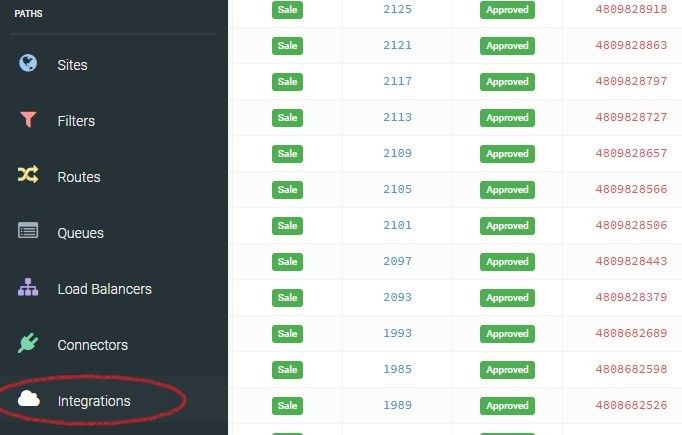
Navigate to your Integrations
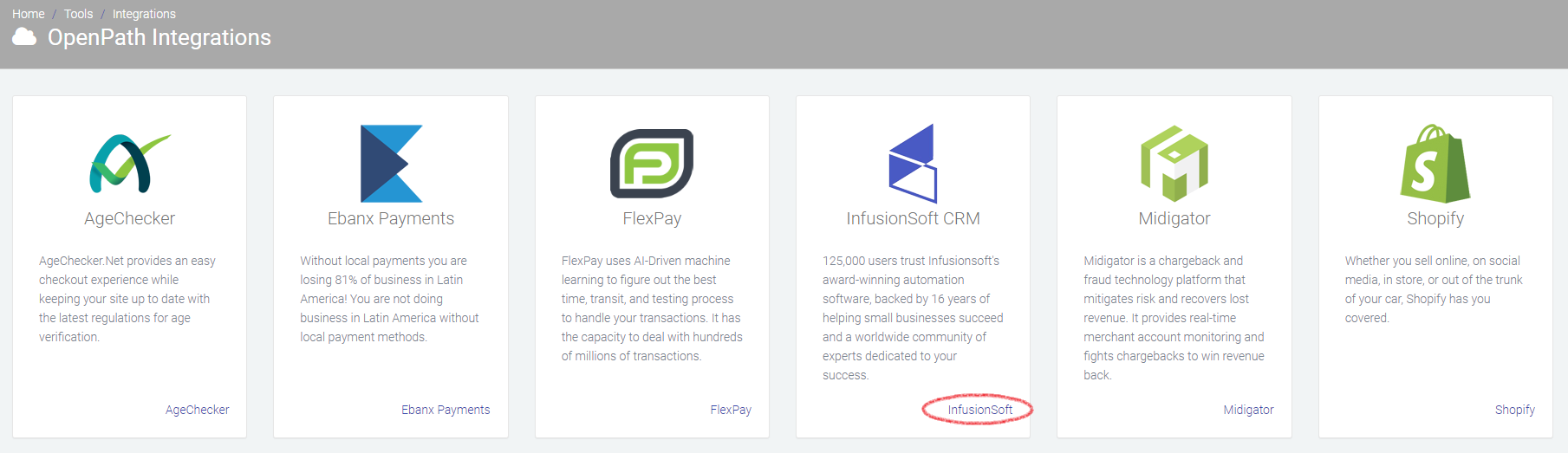
Click on the InfusionSoft link in the bottom of the InfusionSoft CRM card
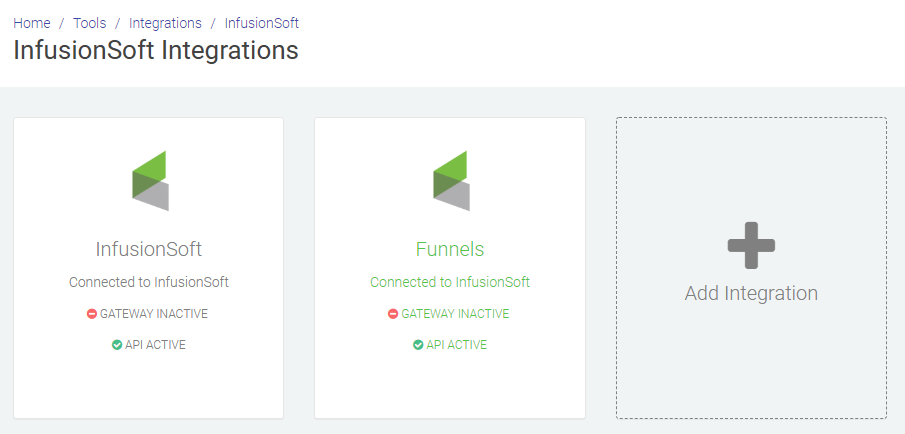
Find the InfusionSoft integration you want to connect and click on that card
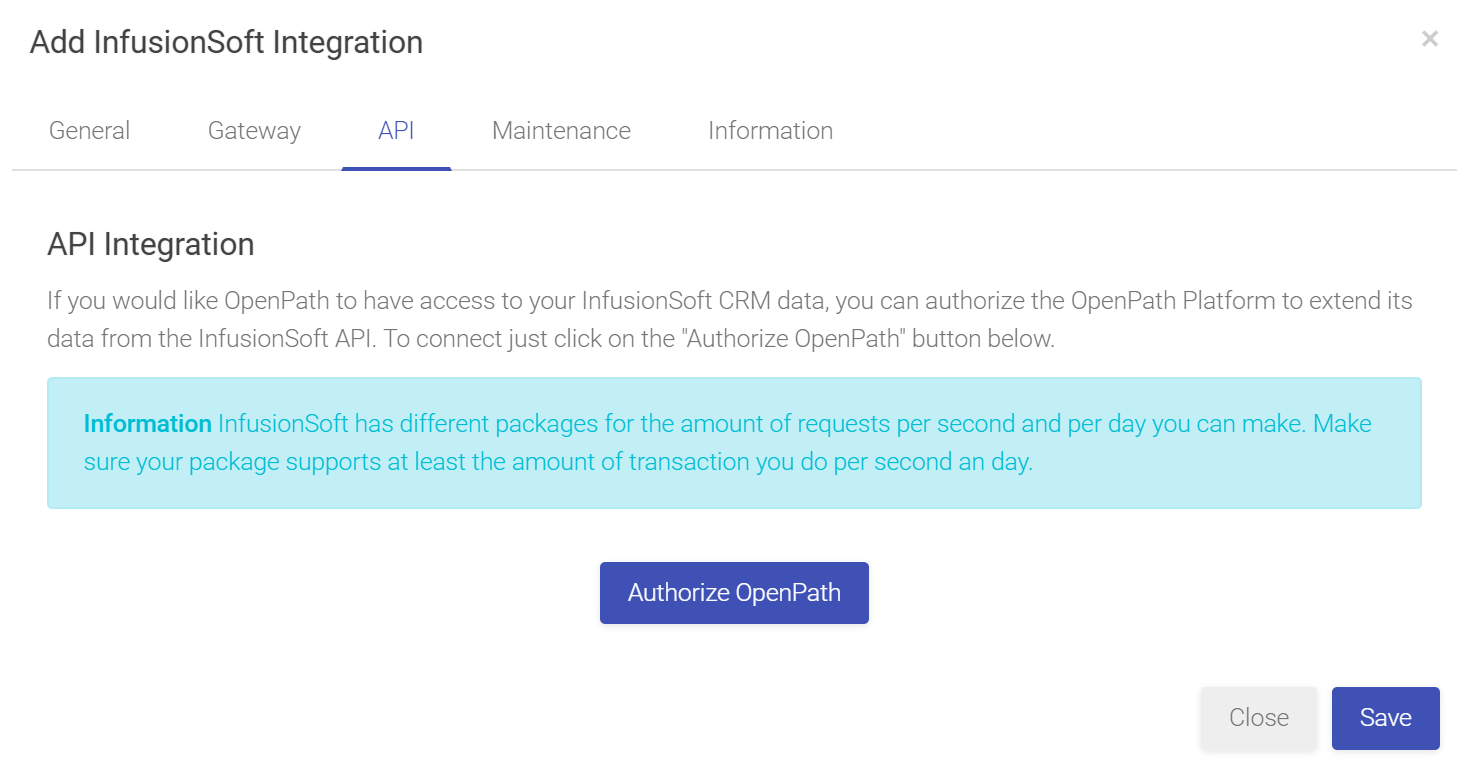
- Navigate to the API Tab at the top of the pop-up window and click on the Authorize OpenPath button
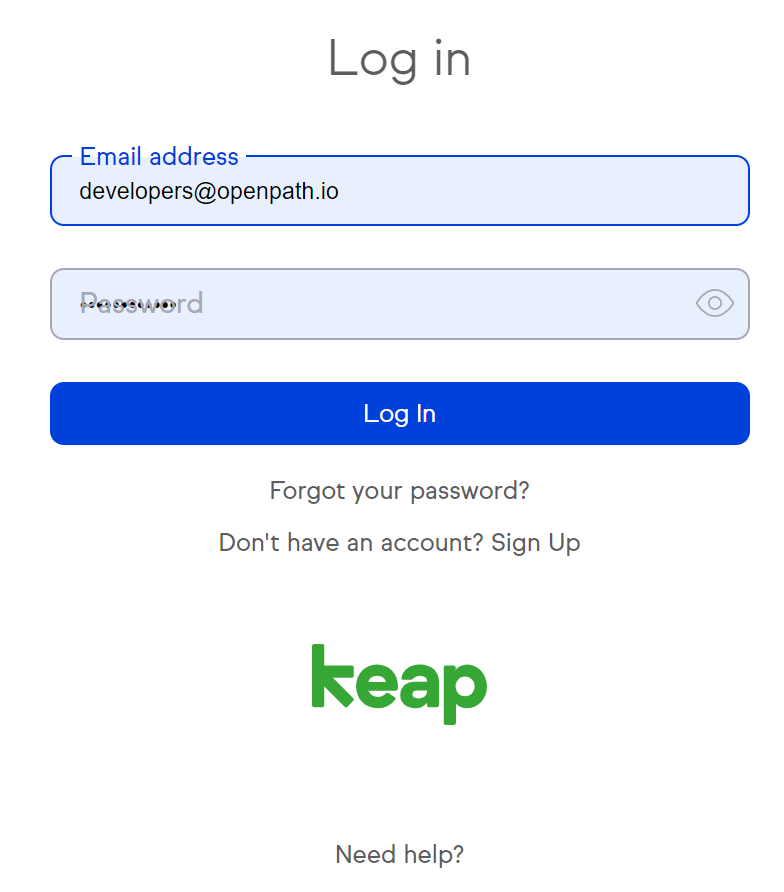
- Login to your InfusionSoft account
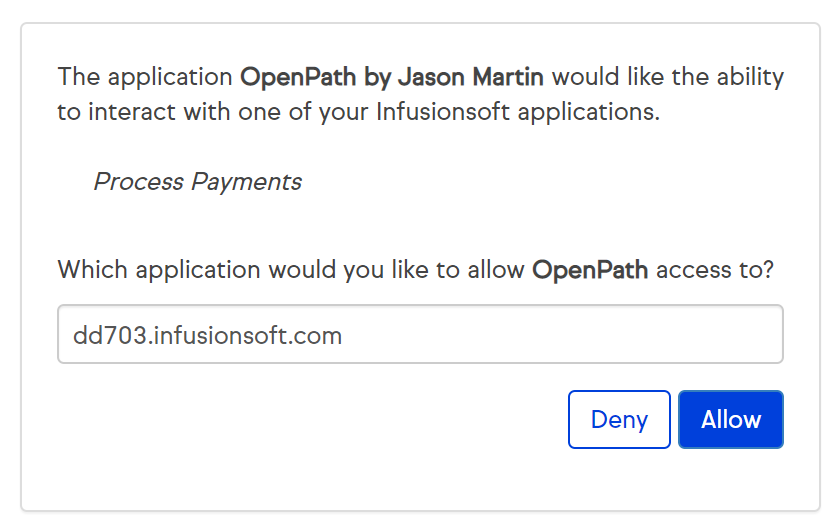
- Select your InfusionSoft API and click the allow button
- Once complete you will be redirected to OpenPaths InfusionSoft Integration page and your InfusionSoft card should now show the API active and your connection is complete.
Was this article helpful?
That’s Great!
Thank you for your feedback
Sorry! We couldn't be helpful
Thank you for your feedback
Feedback sent
We appreciate your effort and will try to fix the article