What is a Virtual Terminal ?
Every OpenPath merchant account has a virtual terminal, which is a software application for merchants that allows them to accept payment with a payment card, without requiring the physical presence of a card.
This walkthrough will guide you through using the virtual terminal in your merchant account.
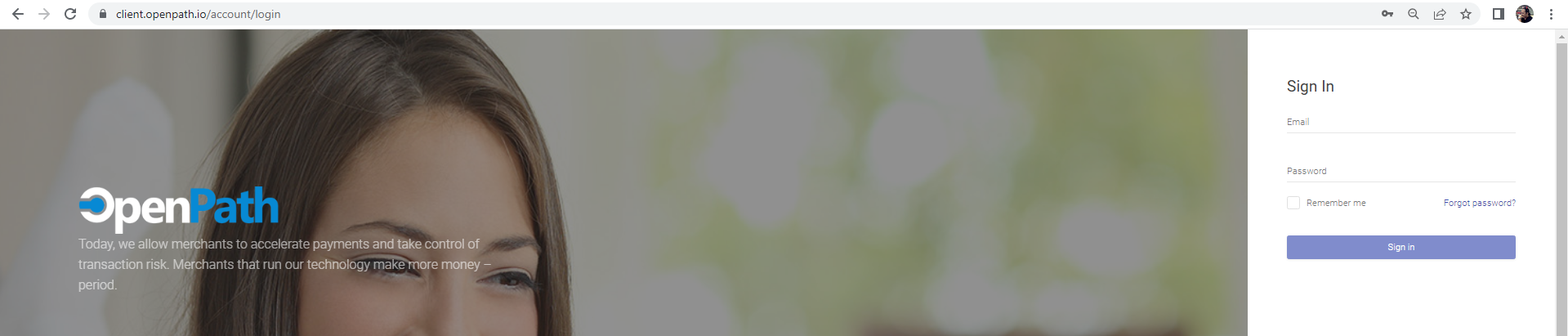
1. Login to the OpenPath Admin Portal at https://client.openpath.io/ and input your username and password and click Sign In.
2. Navigate to the Left Menu and choose Settings and Tools 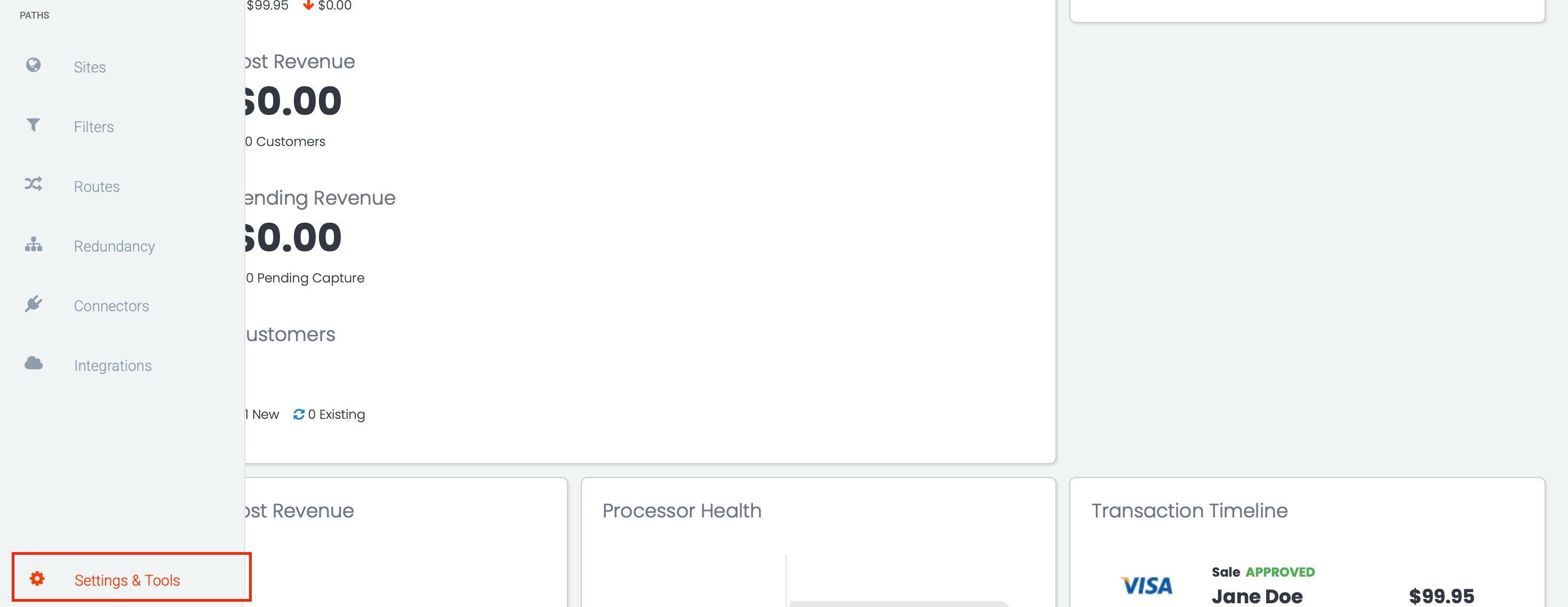
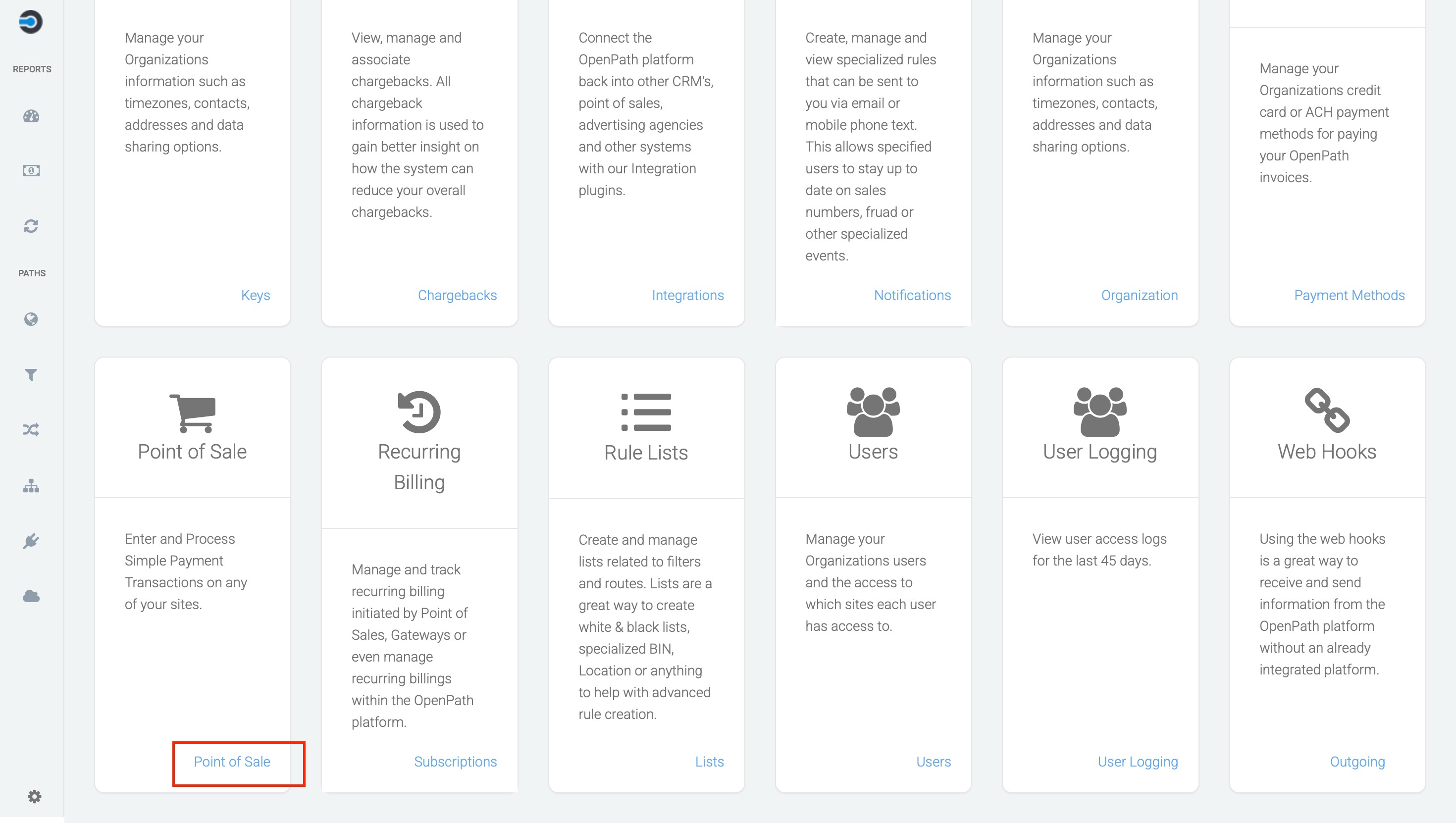
3. Scroll down slightly and click on Point of Sale
4. Select the connected Site you would like to use for that transaction from the dropdown menu
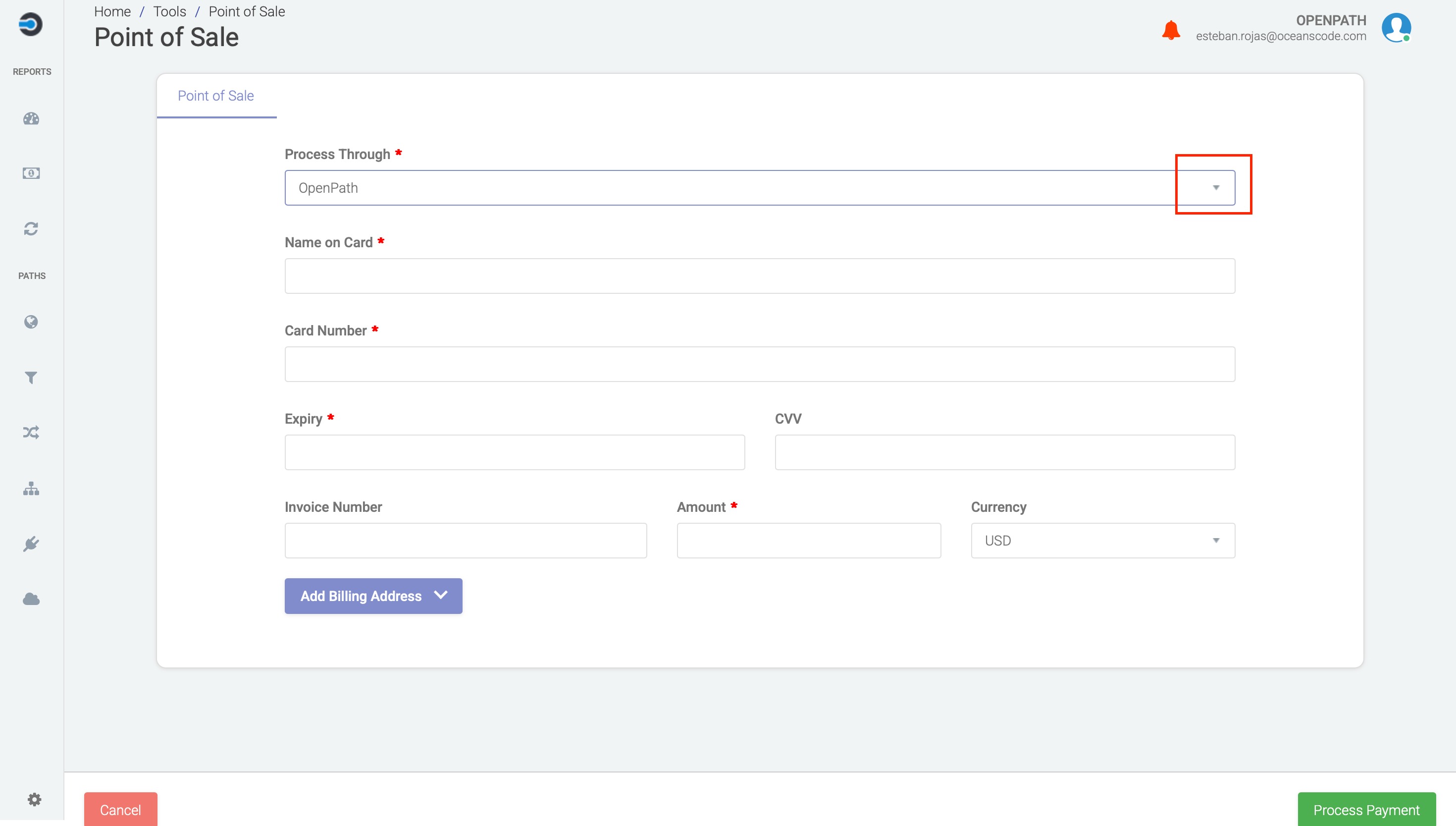
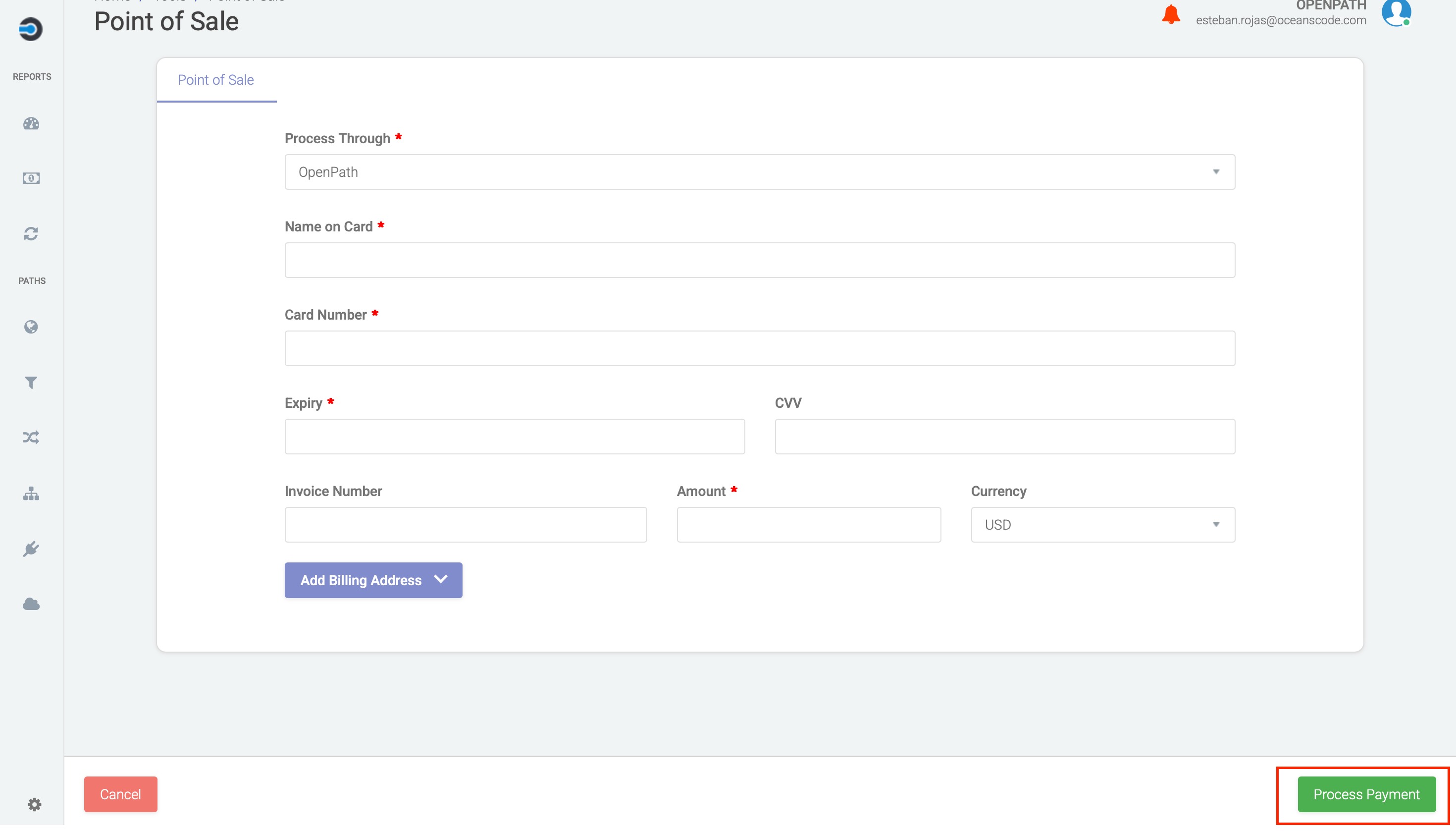
5. Proceed to fill out all required information marked by a red *, selecting your desired currency, then clicking Process Payment in the bottom right to complete your transaction
Was this article helpful?
That’s Great!
Thank you for your feedback
Sorry! We couldn't be helpful
Thank you for your feedback
Feedback sent
We appreciate your effort and will try to fix the article