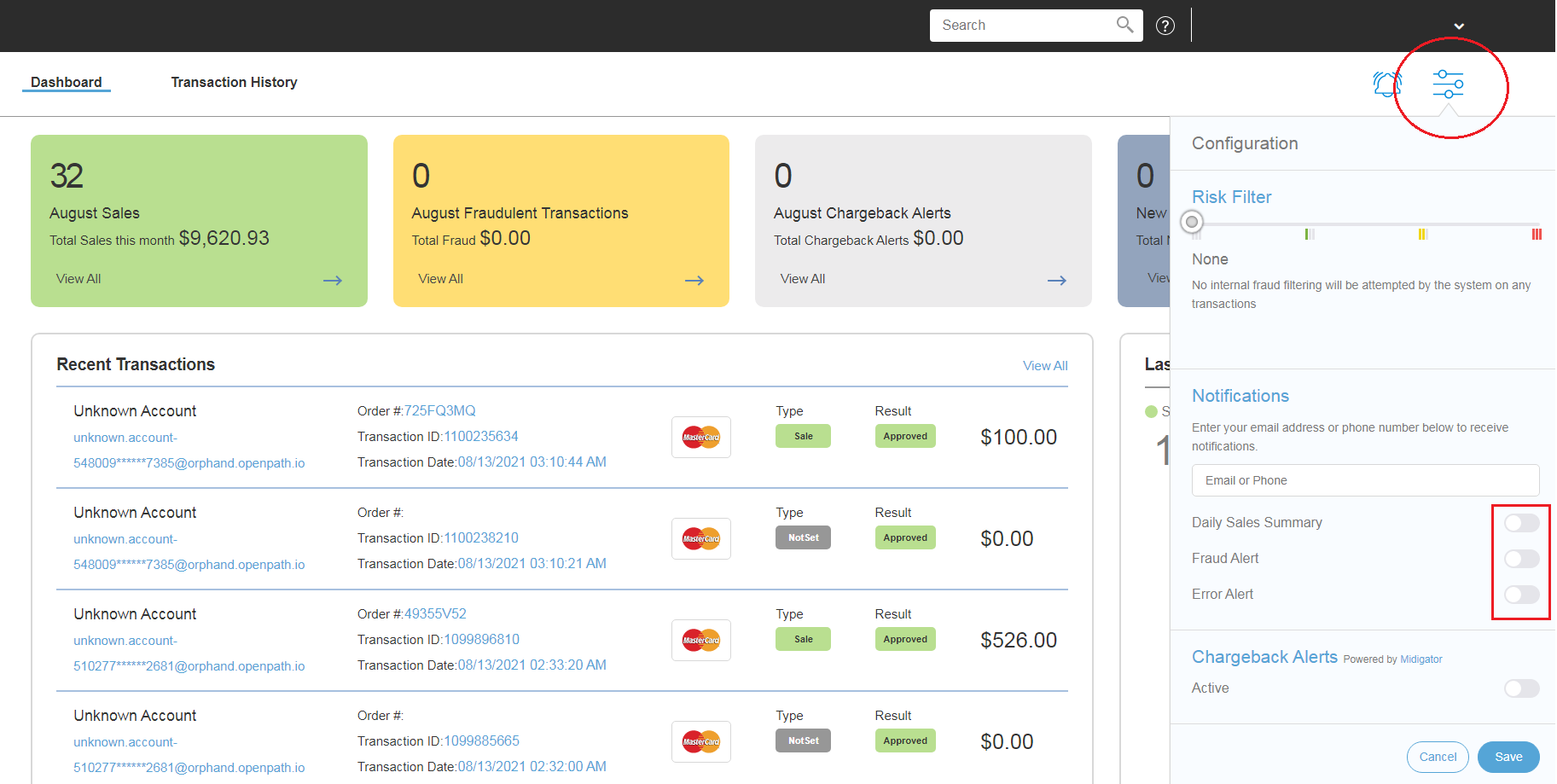
We can setup Notification Alerts by clicking the Configuration icon on the top right hand side.
You can be notified by Email or Phone or both. Enter an email address or phone number or multiple separated by commas.
Choose which of the following you want to be notified on:
- Daily Sales Summary - a once a day notification of total sales
- Fraud Alert - a notification whenever a filter picks up a transaction
- Error Alert - a notice when there is a technical issue with processing a transaction
Just click on each switch to turn it on or off, then click SAVE.
Knowledgebase
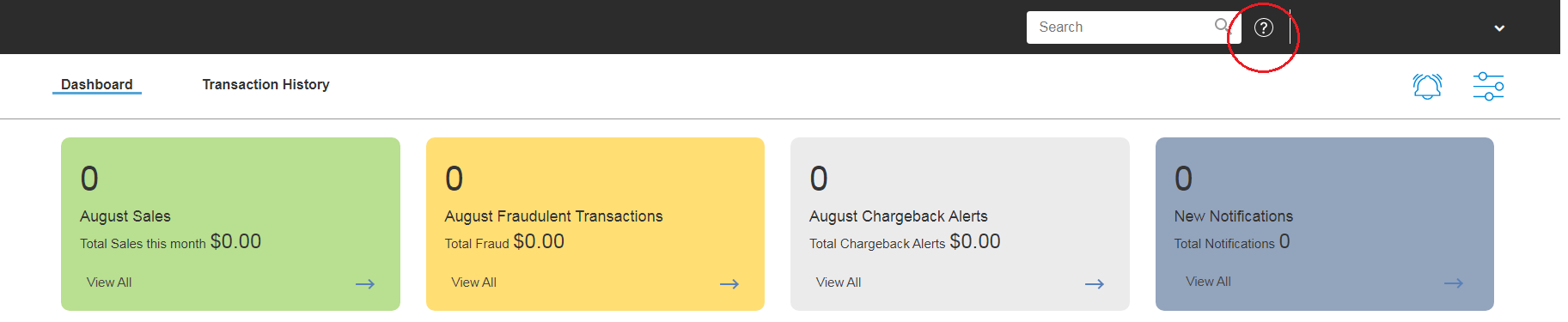
There a several articles to assist with the use of the system. The Knowledgebase articles can be accessed by clicking the Help (?) icon.
Was this article helpful?
That’s Great!
Thank you for your feedback
Sorry! We couldn't be helpful
Thank you for your feedback
Feedback sent
We appreciate your effort and will try to fix the article